
14 Quick Desk Setups That Make Working From Home More Comfortable
Working from home can be a challenge, especially when your desk setup is not ideal. A comfortable workspace can make all the difference in your productivity and overall comfort. Whether you have a small desk or a spacious home office, small changes can create a big impact. With a few simple adjustments, you can transform your desk into a more functional and pleasant place to work.
This post may contain affiliate links, which helps keep this content free. Please read our disclosure for more info.
Ergonomic Chair Setup
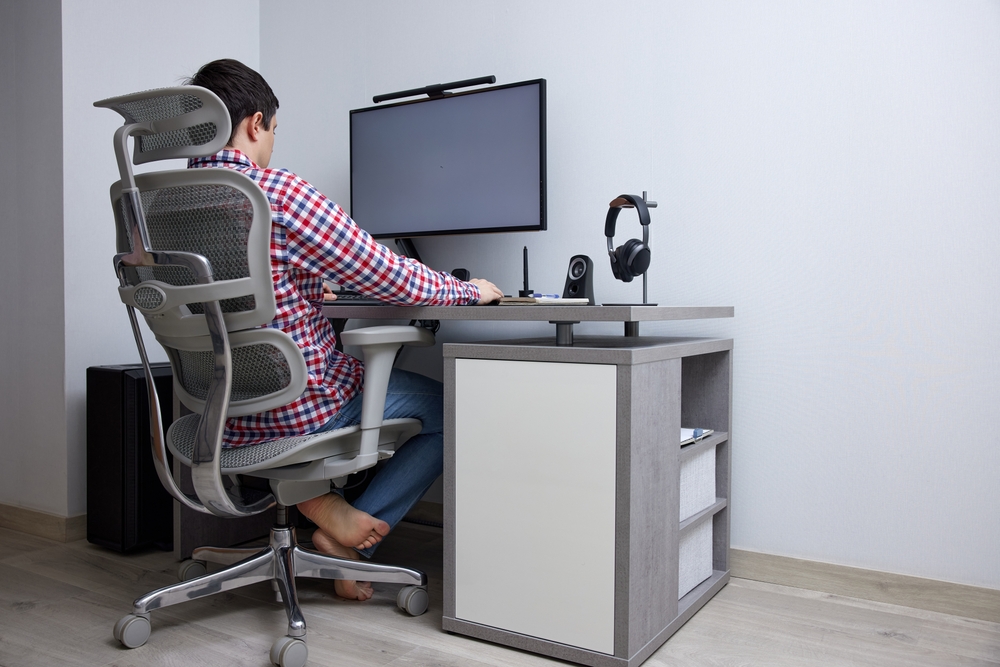
An ergonomic chair is essential for long hours at your desk. It offers lumbar support to reduce back strain and improve posture, ensuring you feel comfortable throughout the day. Many ergonomic chairs have adjustable armrests and seat heights, allowing for a personalized fit. This helps in maintaining a relaxed sitting position, reducing fatigue and discomfort.
To maximize comfort, ensure that your chair supports your lower back and aligns with your desk height. A chair with lumbar support can help prevent slouching, which is a common cause of back pain. If a new chair is not an option, consider adding a lumbar cushion for additional support. This quick upgrade can have a noticeable impact on how you feel during and after work.
Adjustable Standing Desk
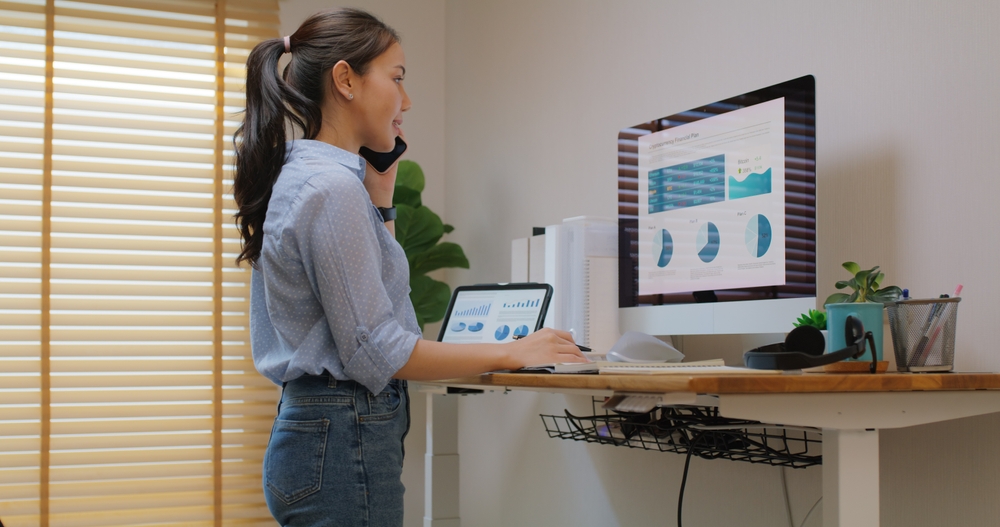
An adjustable standing desk offers flexibility for those who want to switch between sitting and standing throughout the day. Standing for part of your workday can reduce the risk of developing back pain and other discomforts associated with prolonged sitting. The ability to adjust the desk height allows you to find the most comfortable position for your work style. It is also a great option if you want to alternate between sitting and standing to stay energized.
Along with the desk, consider using a supportive anti-fatigue mat while standing. This mat helps reduce the strain on your legs and feet, making it more comfortable to stand for extended periods. Some adjustable desks come with built-in memory settings, so you can quickly switch between sitting and standing positions. This setup encourages better circulation and improves your overall well-being.
Monitor Placement and Positioning

Correct monitor placement can prevent eye strain and neck pain. Your monitor should be at eye level, so you do not need to tilt your head up or down while working. The top of the screen should align with your eyes, and it should be about an arm’s length away from your face. This simple adjustment helps to maintain good posture and reduces the risk of discomfort during long working hours.
In addition to adjusting your monitor height, consider using a monitor stand or a wall-mounted bracket. This allows for greater flexibility in positioning, and it helps free up valuable desk space. If you work with multiple monitors, make sure they are aligned to avoid straining your neck by constantly turning your head. Proper monitor positioning creates a more comfortable and efficient workspace.
Keyboard and Mouse Ergonomics
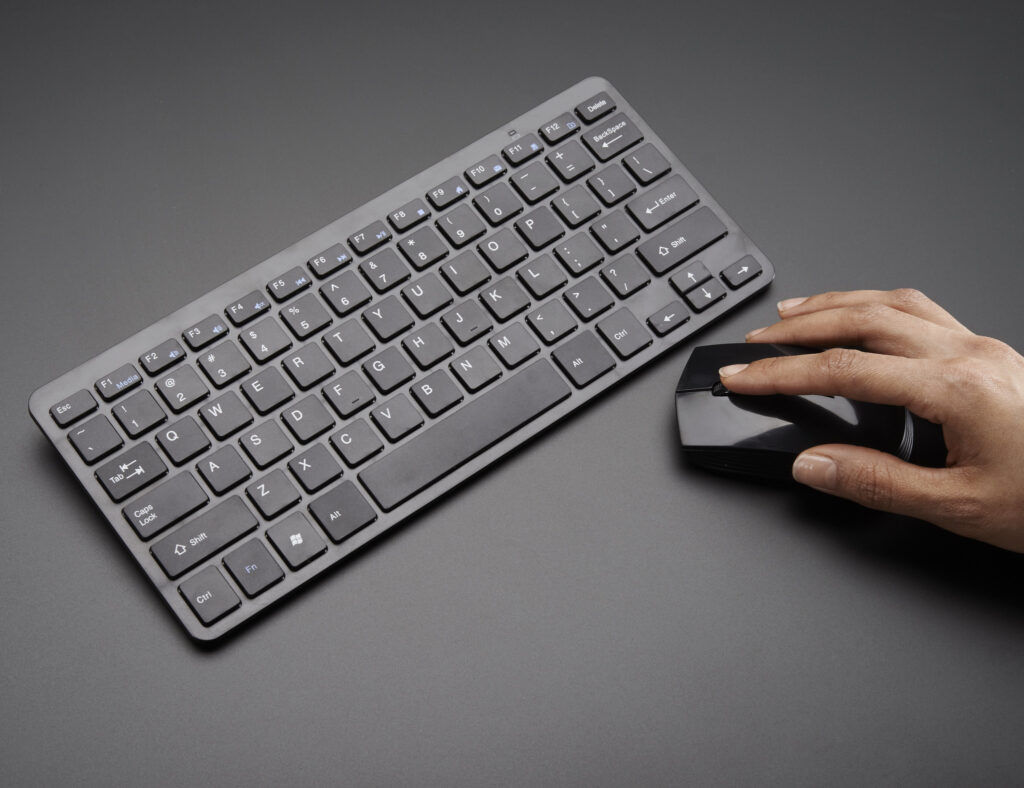
Positioning your keyboard and mouse correctly is crucial for reducing wrist strain and improving comfort. Your keyboard should be placed so that your forearms are parallel to the floor when typing. This setup helps prevent repetitive stress injuries, such as carpal tunnel syndrome, which are common among those who type for extended periods. An ergonomic keyboard with a built-in wrist rest can also provide additional support.
Your mouse should be placed at the same level as your keyboard, allowing for a natural wrist position. Using a mouse with an ergonomic design can also reduce strain. If you find yourself reaching for the mouse too often, try to keep it close to your hand and use keyboard shortcuts whenever possible. By setting up your desk with these small adjustments, you can work for longer periods without discomfort.
Desk Organization
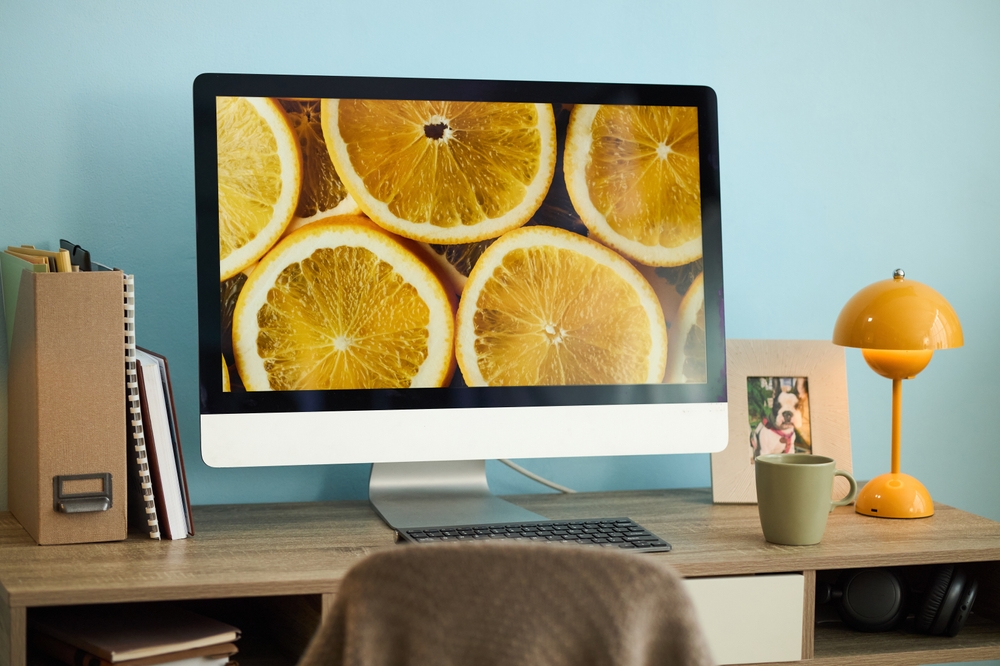
A clutter-free desk can significantly enhance productivity and comfort. Keeping only essential items on your desk ensures that your workspace remains functional and tidy. Use drawer organizers, trays, and shelves to store extra supplies, so you can easily access them when needed. Reducing clutter will also help minimize distractions, allowing you to focus better on your work.
To keep your desk organized, try to establish a system for each item. For example, designate specific spaces for documents, pens, and electronic devices. This not only creates a more visually appealing workspace but also helps reduce stress. An organized desk leads to a more efficient and comfortable work environment, making it easier to stay focused on tasks.
Desk Lighting
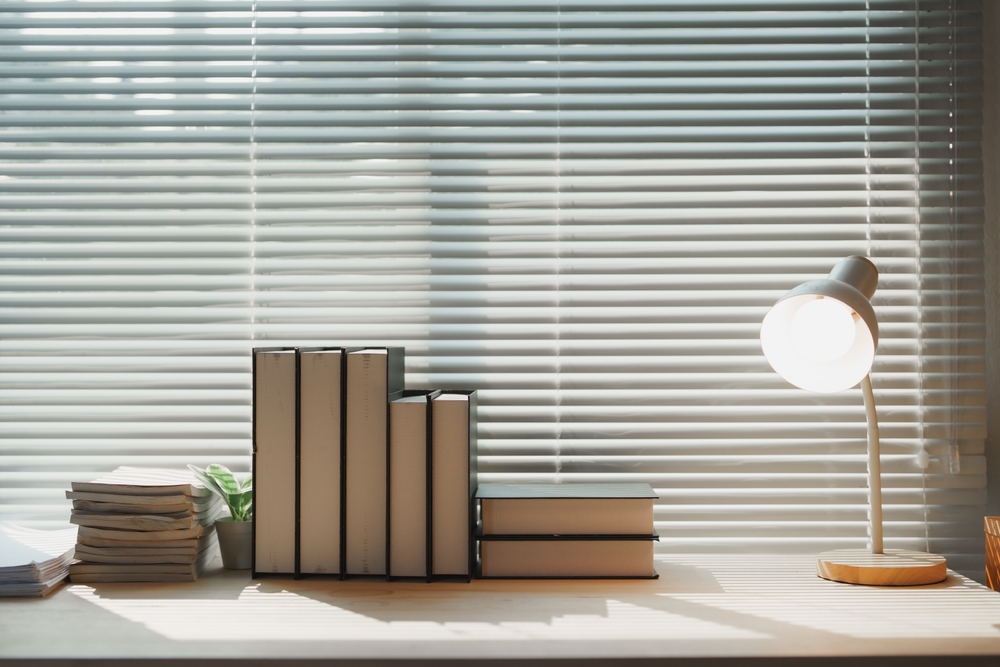
Proper desk lighting is essential for reducing eye strain and improving focus. Natural light is ideal, but if you do not have access to it, consider investing in a good desk lamp with adjustable brightness. A lamp with warm, soft light can create a calming atmosphere, while brighter light is better for tasks that require concentration. Position your lamp to avoid casting shadows on your work area.
In addition to a good desk lamp, consider using ambient lighting in the room to reduce contrast between the screen and the surrounding environment. Overhead lights that are too harsh can create glare on your screen, making it harder to focus. Using a combination of desk and ambient lighting can help create a comfortable and visually pleasant workspace. Good lighting can prevent headaches and fatigue, making it easier to work for longer periods.
Cable Management
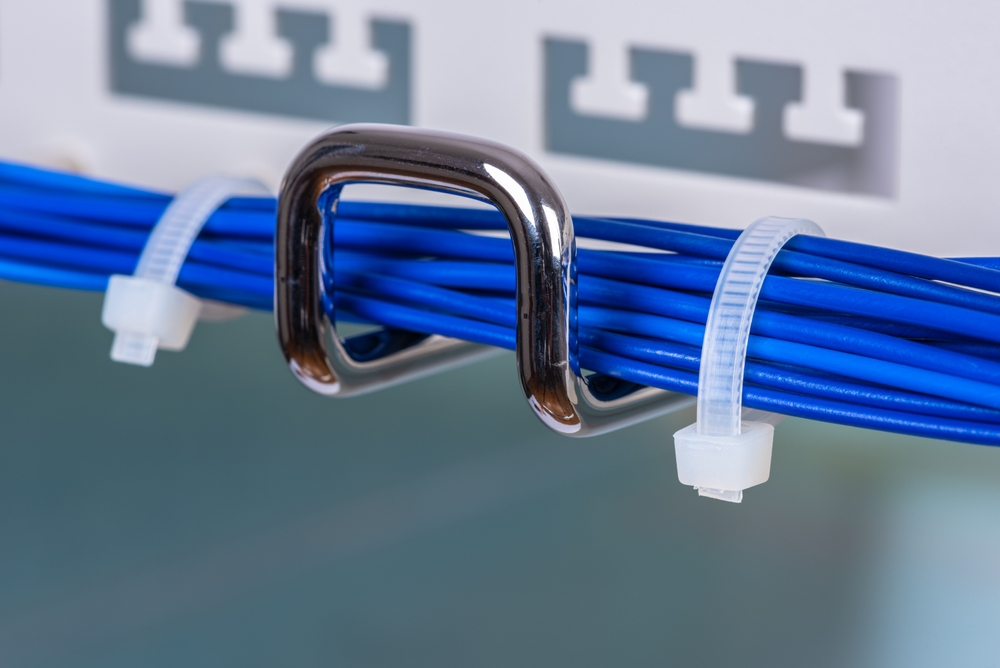
A tidy desk requires good cable management, which keeps wires from cluttering your workspace. Use cable organizers, clips, or a cable box to keep charging cables and other wires neatly tucked away. This will not only make your desk look cleaner but also prevent tangles and accidental unplugging. A clean workspace can help reduce distractions, making it easier to stay focused on your tasks.
If you have a lot of cables, consider using a cable management tray under your desk. This allows you to keep cables organized and off the work surface, giving you more room for your other items. You can also label cables to make it easier to identify them when needed. Organizing your cables adds both aesthetic appeal and functionality to your desk setup.
Plant Decor for a Calming Atmosphere
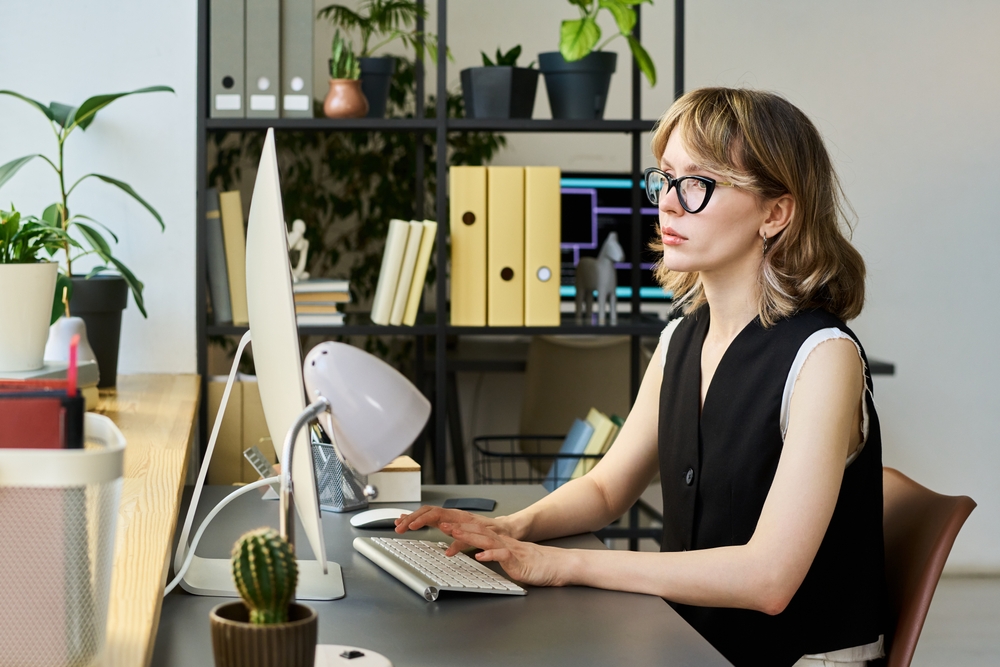
Adding plants to your desk can create a calming environment and improve air quality. Plants such as succulents, peace lilies, or small ferns are perfect for a desk setup because they require minimal care and thrive in low light. Studies show that being surrounded by nature can reduce stress and improve focus, making your workspace more enjoyable. Incorporating greenery into your desk setup adds a touch of freshness and beauty.
To maximize the benefits of plants, place them near your desk but avoid overcrowding your workspace. Small pots or planters can fit perfectly in empty corners or on shelves. Make sure to choose plants that fit your space and care capabilities. A few well-placed plants can bring a sense of tranquility to your workday and make your desk feel more inviting.
Adjustable Footrest
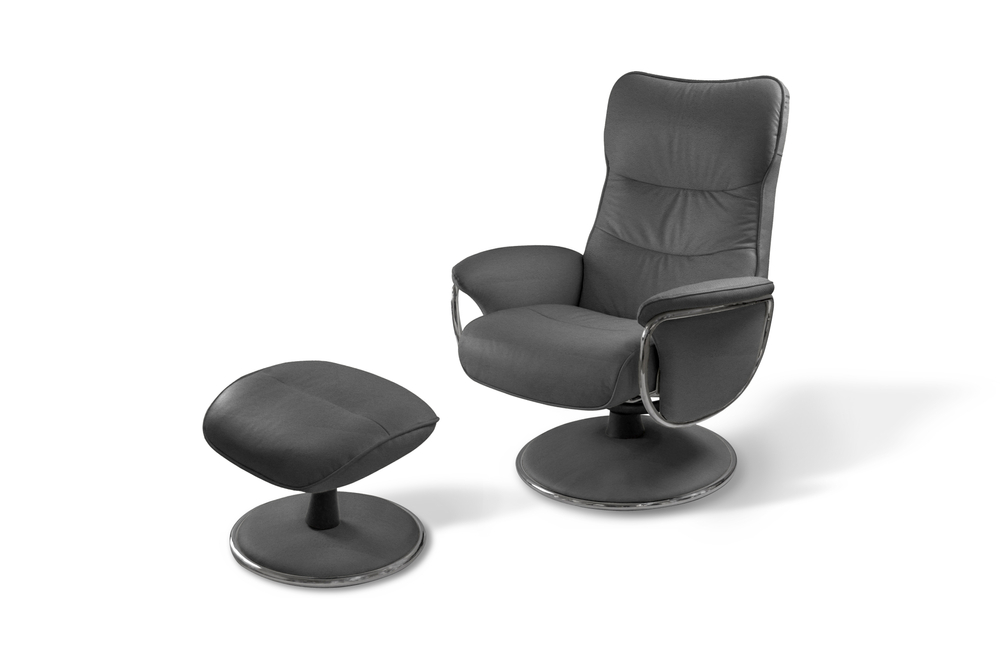
An adjustable footrest helps improve your posture by keeping your feet flat on the floor, which reduces strain on your legs and lower back. It is especially helpful for individuals whose feet do not comfortably reach the ground when sitting at their desk. Footrests encourage proper alignment by supporting the lower legs and maintaining a 90-degree angle between the thighs and knees. This simple addition promotes better circulation and can help alleviate discomfort caused by prolonged sitting.
Choose a footrest with adjustable height to customize the support it offers. Some models even feature a rocking motion, allowing for gentle movement while sitting, which can help improve comfort. Using a footrest in combination with an ergonomic chair ensures that your body is properly supported throughout the day. This quick upgrade can have a significant impact on your overall comfort while working from home.
Noise-Canceling Headphones

Noise-canceling headphones are a great solution if you need to focus in a noisy environment. These headphones block out background noise, allowing you to concentrate better on your work. They are especially useful for home offices where distractions, such as family members or pets, can interfere with productivity. Many models also offer high-quality sound for listening to music or attending virtual meetings.
Look for headphones with adjustable headbands and cushioned ear cups for a comfortable fit. Some noise-canceling headphones come with features such as a built-in microphone for video calls. If you need to be aware of your surroundings, consider models with ambient sound modes. These headphones help create a more focused and less distracting work environment.
Desktop Organizer for Essentials
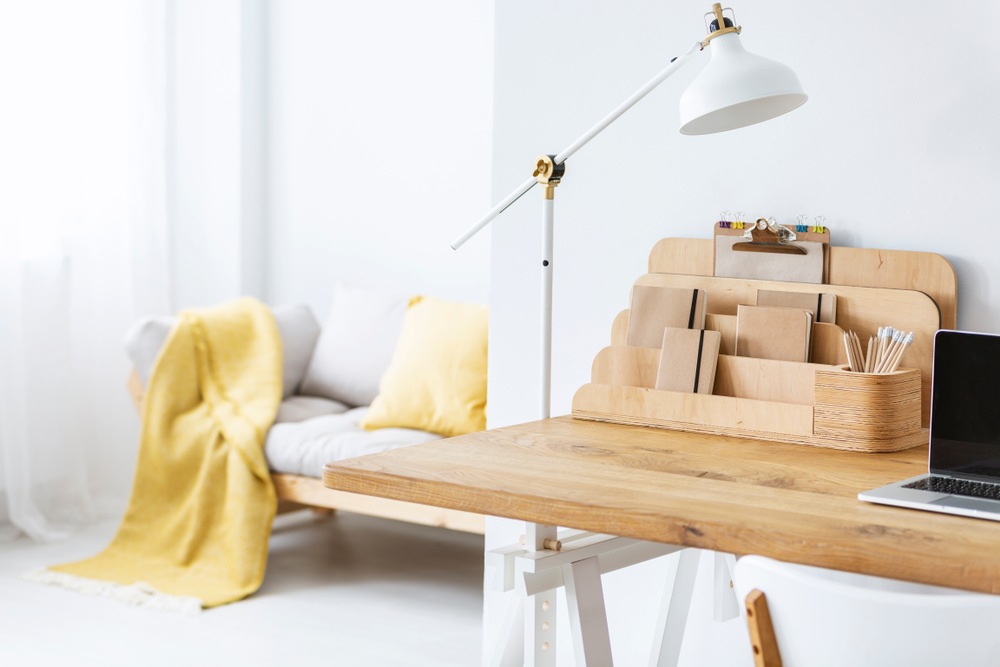
A desktop organizer helps you keep your most-used items within reach while maintaining a clean workspace. Use trays, drawers, or multi-compartment organizers to store pens, papers, and other essentials. This setup helps prevent clutter from accumulating, allowing you to stay focused on the task at hand. Organizing your desk can improve productivity by ensuring everything has its place.
Consider using a desktop organizer with adjustable compartments so you can customize it based on your needs. Some organizers even come with built-in charging stations to keep your devices powered throughout the day. This simple addition makes it easier to find what you need quickly, reducing time spent searching for supplies. An organized desk leads to a more efficient and comfortable workday.
Wall-Mounted Shelves for Extra Storage
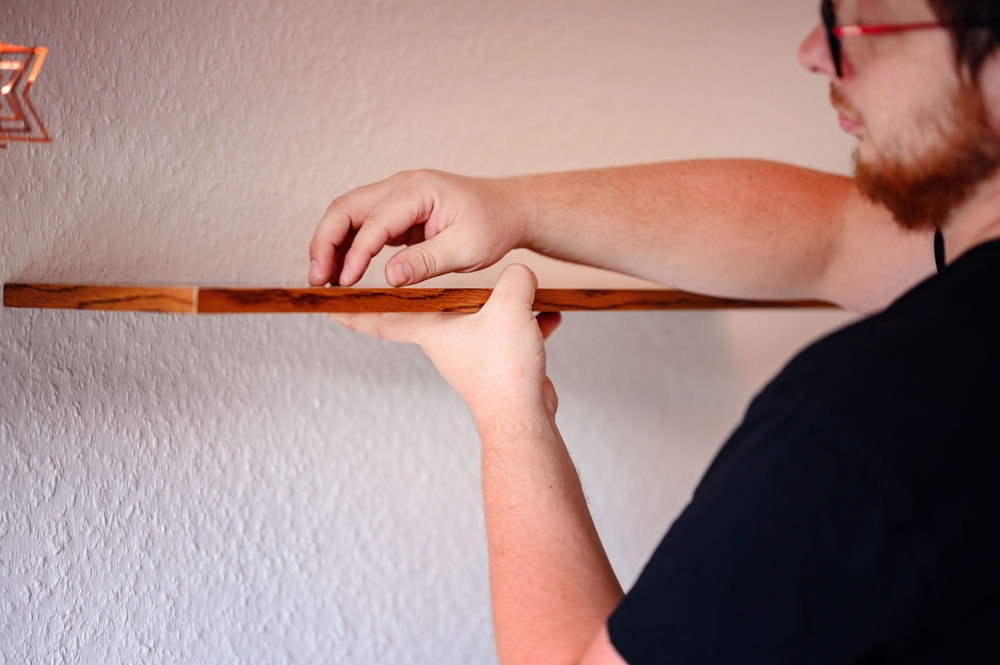
Wall-mounted shelves are an excellent way to maximize vertical space in your home office. These shelves can hold books, documents, or decorative items without taking up valuable desk space. This setup allows you to keep your work surface clean and free from clutter while still having easy access to everything you need. It also adds a modern touch to your workspace, making it look more polished and organized.
When installing wall-mounted shelves, make sure they are sturdy and positioned at a comfortable height for easy access. Floating shelves or bracketed designs work well in smaller spaces. You can also use the shelves to store items you do not need every day, such as reference books or office supplies. Wall-mounted storage helps you keep your desk clear and your home office looking tidy.
Adjustable Laptop Stand
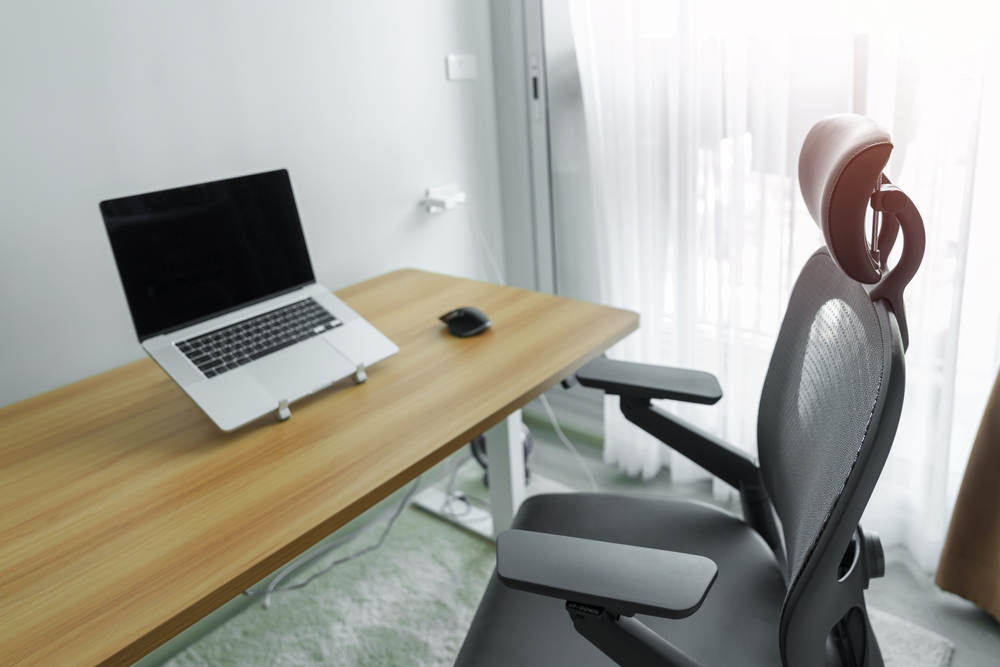
An adjustable laptop stand can help elevate your laptop to eye level, improving posture and reducing neck strain. This setup works well for individuals who primarily use a laptop for work but want to avoid the discomfort of looking down at the screen. Many stands are compact and foldable, making them easy to transport if you need to move your workspace. Adjusting the height and angle of the stand ensures that you are working in the most ergonomic position.
To complement the laptop stand, consider using a separate keyboard and mouse for a more comfortable typing experience. An adjustable laptop stand can also help free up space on your desk, giving you more room for other essentials. This quick desk upgrade helps you work more comfortably and efficiently. It is a great option for anyone who wants to improve their workspace setup without investing in a full desk overhaul.
Minimalist Desk Setup
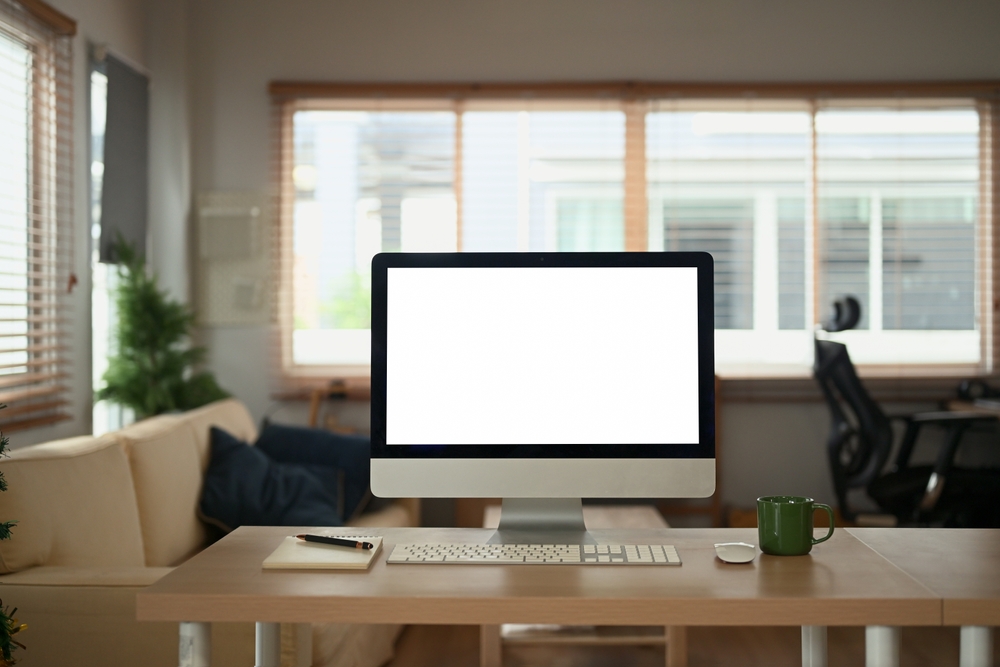
A minimalist desk setup focuses on keeping only the essentials within reach, reducing distractions and promoting productivity. By using sleek, simple furniture and limiting the number of items on your desk, you create a clean and clutter-free workspace. Minimalism encourages efficiency, allowing you to focus on the task at hand without the visual noise that often accompanies a crowded desk. This setup is perfect for those who thrive in organized, open environments.
To achieve a minimalist setup, opt for a desk with clean lines and a neutral color scheme. Keep your work tools organized in drawers or hidden storage compartments. A minimalist desk encourages focus and helps reduce the mental clutter that can come from a disorganized space. This approach is perfect for anyone looking to simplify their work environment and create a calm, productive atmosphere.
This article originally appeared on Avocadu.